Stop Typing Out Your Menu. Your Till Already Knows It.
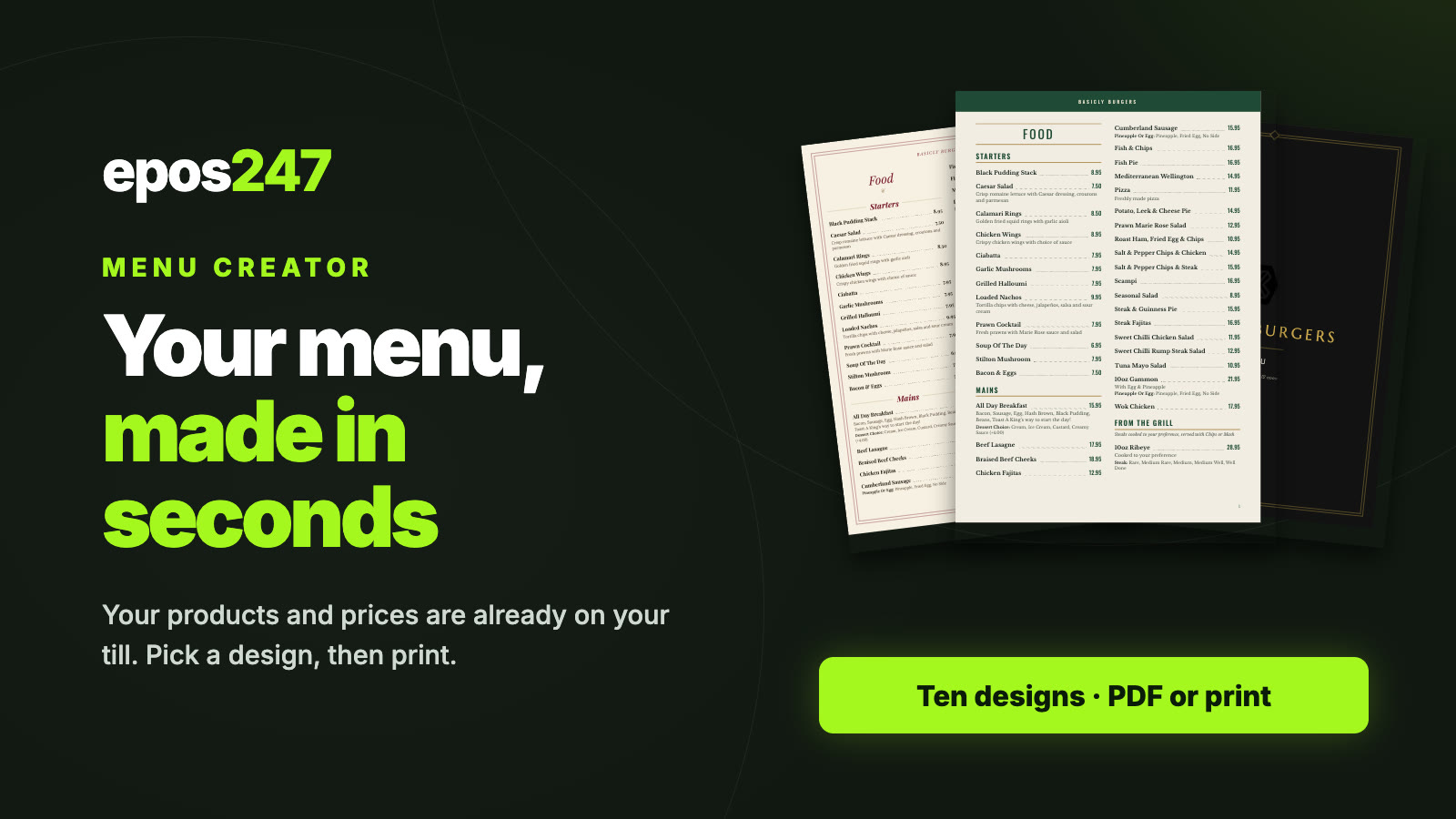
Every dish, price, description and allergen is already in your epos247 till. The new Menu Creator turns them into a beautifully designed printed menu in seconds. Pick your categories, choose a design, then download a PDF or print.
The epos247 Team
Building the next-generation POS
Think about the last time you updated your printed menu. Someone opened an old Word document or a design template, copied every dish across by hand, typed every price in again, checked it, spotted a mistake, fixed it, and sent it off to print. Then a supplier put their prices up three weeks later, and the whole thing started again.
Here's the thing: your till already knows your menu. Every product, price, description, size, add-on and allergen is already in epos247. You put it there when you set up your till, and you keep it up to date every time something changes. So why type it all out again?
That's why we built the Menu Creator. It's in your back office now, and it turns the products you already have into a properly designed printed menu in seconds. No retyping, no copying and pasting, and no wrong prices.
See it in action
This three-minute guide walks you through making a menu from start to finish. You'll find it, and plenty more, on our Video Guides page.
From till to table in three steps
Choose what goes on it. Tick the groups and categories you want, like Starters, Mains and Desserts. Put them in any order, give a section a different heading for the menu (so "Mains" can become "Main Courses"), and untick any items you'd rather leave off.
Pick a design. There are ten to choose from, and every one is shown with your own dishes, so you can see exactly how your menu will look before you commit.
Preview, then print. Flick through it page by page like a book. Then download a PDF to email round or send to a print shop, or print it straight away.
Ten designs, made for real venues
Each design is styled for a different kind of business, with its own fonts, colours and layout:
Country Gastropub for pubs, inns and carveries
Parisian Bistro for bistros, brasseries and wine bars
Neighbourhood Café for cafés, brunch spots and delis
Fine Dining for restaurants, tasting menus and hotels
Italian Trattoria for Italians, pizzerias and family restaurants
Seaside Fish Bar for fish and chip shops, beach cafés and kiosks
Cocktail Lounge for cocktail bars, lounges and late-night venues
Coffee House & Bakery for coffee shops, bakeries and farm shops
Street Food Kitchen for burger joints, takeaways and food trucks
Afternoon Tea Room for tea rooms, garden centres and wedding venues
Change your mind? Switch designs at any time and your menu is laid out again in a moment.
It knows more than just your prices
Because the Menu Creator reads straight from your products, it can put far more on the page than a name and a price. You choose what each item shows:
Descriptions, the same ones you've written for your products.
Sizes and their prices, like a half and a pint, or small and large, taken from your variations.
Add-on choices, such as sauces or toppings, with any extra cost shown.
(V) and (VG) marks for vegetarian and vegan dishes.
Photos, using your product pictures where you've set them.
Allergens, either listed under each dish or as short codes with a key at the end, all taken from the allergen ticks on your products.
Add a cover with your logo, your business name, a title like "Dinner Menu" or "Sunday Lunch", and your address and phone number. Inside, you can add your name at the top of each page, a footer such as your service charge policy, and a closing note asking guests to mention any allergies. Choose A4, A5, or a tall, narrow DL size that's ideal for table menus and takeaway leaflets.
Price change? Just print again
This is the part we love most. Save your menu, and it remembers everything about the layout: the categories, the order, the design and the wording. It does not keep a copy of your prices. Every time you open it, it reads them fresh from your till.
So when you put the price of fish and chips up, there's nothing to retype. Open your saved menu, and print. Your printed menu always matches your till, and your staff never have to explain why the price on the menu is different from the bill.
You can save as many menus as you like. Keep a food menu, a drinks list and a Sunday lunch menu side by side, or copy one as the starting point for your Christmas menu.
How to get started
The Menu Creator is included with epos247 Pro. In your back office, go to Product Setup, then Menu Creator, and tap New menu. Your first menu will be ready in a couple of minutes, and every one after that in seconds.
Not on Pro yet? Take a look at our plans, or email support@epos247.com and we'll happily show you the Menu Creator working with your own menu.
You don't have to change your till to get a kitchen screen. The epos247 Kitchen Video System works with almost any POS software, turning the kitchen tickets your till already sends into clear, interactive orders on screen. Keep the till you know and get rid of the paper.
Your sales, products, stock, customers, bookings and staff hours can now flow straight into the other systems you rely on: your accountant's software, a head-office dashboard, Power BI, your marketing tools. The new epos247 API is secure, read-only and fully under your control, and it means no more exporting spreadsheets by hand.
The full epos247 till is now a free download on the Apple App Store. Tables, tabs, split bills, integrated card payments and kitchen tickets, all on the iPad you already own, and in step with your Windows and Android tills. And it's only the start: Waiter, Rota247, Loyalty247 and Manager are on their way to iPhone.