For as long as we've shipped a security tab in Back Office, every feature on it had two states: on or off. If you wanted servers to be able to cancel a sale, you flicked Cancel Sale on for everyone. If you didn't, you flicked it off and only managers could do it — by handing over the till to a manager every time, or by sharing a manager PIN, or by accepting that staff would have to wait for a manager to be free. Most venues we talked to ended up flicking everything on, then dealing with the audit fallout when something got cancelled that shouldn't have been.
v1.3.22 introduces a third option, and it's the one most tenants have been quietly asking for: Manager Override.
Three States Per Feature
Open Back Office → Settings → Security and you'll see every feature now has a three-pill selector instead of an on/off toggle:
- Allowed — the same as the old "on". Anyone signed in to the POS can use it.
- Manager Override — the new middle ground. The button stays visible. When a non-manager taps it, a manager-authorisation prompt appears. They scan their RFID card or type their 4-digit PIN, and the action runs as normal.
- Not Allowed — the same as the old "off". The button is hidden entirely from non-manager staff.
The result is a much sharper tool. You can leave Cancel Sale on Manager Override so any waiter or bartender can void a mis-rung order on the spot — they don't have to track down a manager and stop service — but you still get a manager actually looking at the cancellation before it happens.
PIN or RFID, At the Till
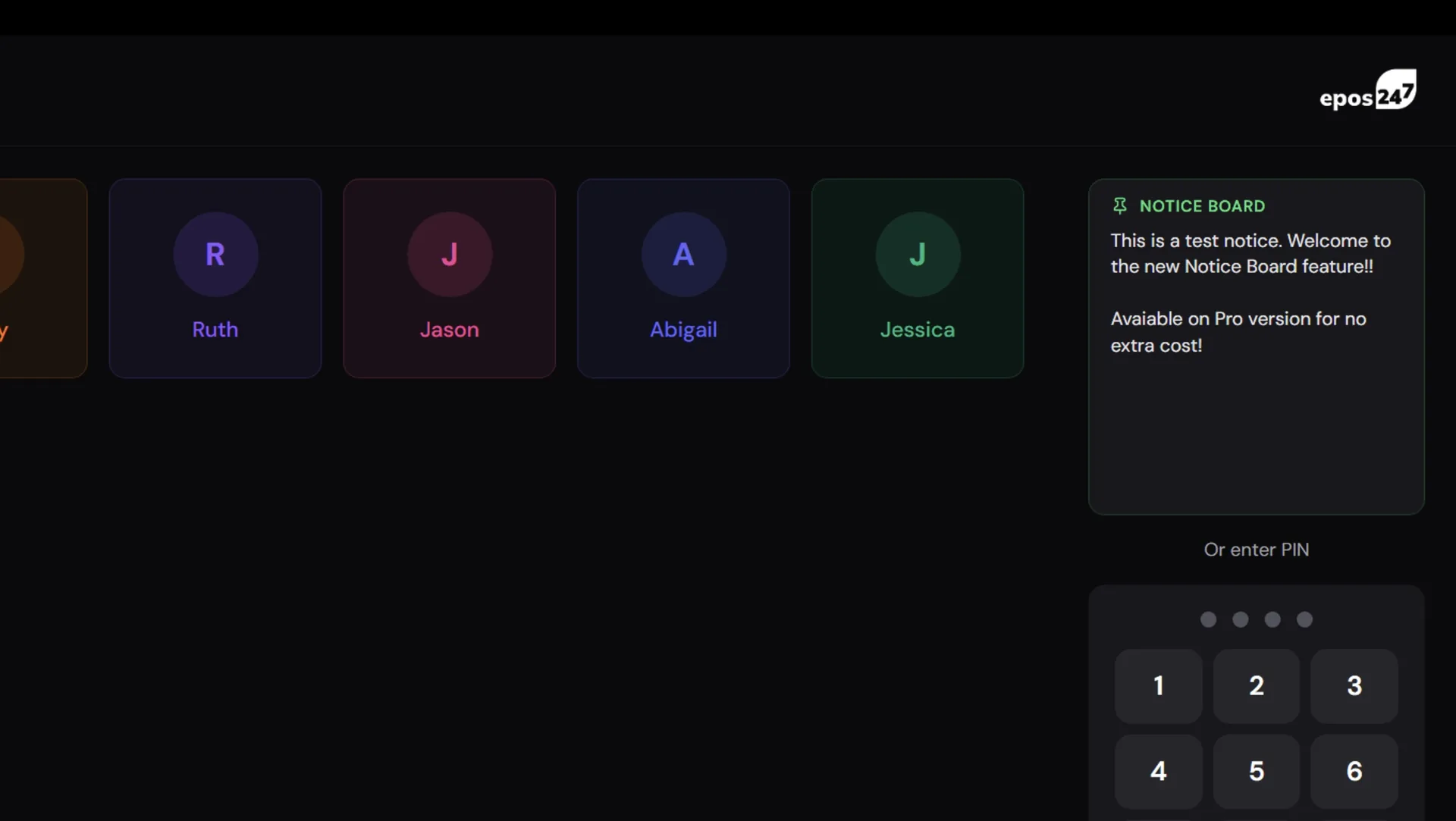
The auth modal is intentionally minimal. Big PIN keypad in the middle, four dots showing progress, an obvious cancel. If your venue uses RFID fobs or cards, the same modal also accepts a card scan — the manager taps the fob to the reader and the modal verifies the card belongs to a staff member with the Manager role. Either route works, every time.
RFID is the magic. Most managers we've watched in the wild already wear their fob on a lanyard for clocking in. Holding it to a reader for half a second to authorise a cancel is genuinely faster than typing a PIN. Some venues have started giving managers a fob purely so they can authorise without touching the till keyboard.
The Audit Trail Picks Up the Authoriser
The bit that closes the loop. When a manager authorises a non-manager to perform a Manager Override action, every record the action produces gets stamped with three extra fields: managerOverride: true, authorisingStaffId, and authorisingStaffName. So when you later look at the corrections list and see "Sale cancelled — Sarah" you also see "authorised by James" right next to it. Same for refunds, wastage, paid in/out, table cancellations and per-item cancels. The till knows who did the action and who said it was OK.
This is the bit that lets you actually trust giving Manager Override to staff: every action is traced to two people, not one. If a pattern emerges where Sarah keeps cancelling sales and James keeps approving them, that's a conversation. If it's spread evenly across the team, that's normal trade.
Admin Becomes Manager
While we were in there, we renamed the role label from "Admin" to "Manager" everywhere it shows in the back office and POS apps. The data model and existing PINs are completely unchanged — it's a label change only — but it's a more accurate description of what that role does day-to-day in a venue. "Admin" had crept in years ago when the system was simpler; "Manager" is what your team actually calls them.
The Waiter App Plays By Slightly Different Rules
Waiter handsets are personal devices. Each waiter signs in to the Waiter app on their own tablet at the start of a shift and stays signed in. There's no manager nearby to scan a card mid-service — the manager is at the bar or in the kitchen, not on the waiter's tablet. So we made a deliberate choice for the Waiter app: Manager Override is treated as Not Allowed. The relevant buttons hide entirely.
If a waiter needs to cancel a recalled order or remove a stored item, the action either runs (if Allowed) or simply isn't there (if Manager Override or Not Allowed). When the latter happens, the order is sent back to a POS terminal where a manager is on hand to authorise it. We considered a remote-approval flow with the waiter pinging a manager's till for permission, but the latency and complexity didn't earn its keep — the right answer was to keep the Waiter app fast and simple, and let the till be the canonical place where overrides happen.
What's Gated
The Security page in Back Office covers every action that has historically caused tenants to wish they had a middle ground. The full list:
- Cancel Sale (function bar + Options + table actions)
- Cancel Item from Sale (the minus button on a cart row)
- Cancel Stored Item (the minus button on a recalled, kitchen-printed line — separate setting from above)
- Refund Item
- Wastage
- Open Drawer
- Paid In
- Paid Out
- Edit Item
- EOD Report (and Financial / Current Financial / Back Office EOD)
- Product Report
- Sales Review
- Till Journal (Windows + Android)
- Disable Product (long-press product info)
Each one is independently configurable. You can leave Open Drawer on Allowed, set Cancel Sale to Manager Override and Refund Item to Not Allowed all in the same venue.
Eight New User Guides
Separate from the security work but landing in the same release: we've added eight new user guides to the Back Office help section. The big push is around accounts and invoicing, which has been a thinly-documented corner of the system for too long. New guides for:
- Account Customers — enabling the flag, billing addresses, credit limits, putting sales on invoice at the till.
- Invoices — where they come from (POS sales vs manual entry), the status flow, editing, voiding, emailing.
- Settling Invoices — the Settle Invoice modal at the POS, partial payments, manual unallocated payments, EOD reporting.
- Customer Statements — generating monthly statements, the running balance, DL envelope window layout, emailing.
- Summary Invoices — combining unpaid invoices into a single document for monthly chasers, vs full statements.
- Credit Notes — manual credits, refund-from-invoice, applying credits to outstanding invoices, voiding with audit trail.
- Staff Management — PINs, RFID, manager role, hourly rate, hide from login, deactivate vs delete.
- Staff Rota — the grid layout, creating shifts, drag-to-reschedule, live labour cost, holiday integration, the staff portal.
And while we were in there, we reorganised the entire user guides index into eight themed sections — POS Basics, Menu Setup, Tables & Bookings, Discounts & Promotions, Stock Control, Payments & Deposits, Accounts & Invoicing, and Staff & Reports — so you can find what you need without scrolling through a list of 27 guides.
Setting It Up
Two steps. First, pick a security policy on every feature in Back Office → Settings → Security. Most venues will land somewhere like: cancellations and refunds on Manager Override, end-of-day reports on Manager Override, open drawer on Allowed, edit item on Manager Override, paid in/out on Allowed.
Second, make sure your managers have an RFID code on their staff record (Staff Management → Staff → Edit → RFID Code) if you want them to authorise without typing. It's a 10-digit number from the back of any compatible RFID fob or card — either type it in once, or put the cursor in the field and tap the fob to scan it.
Available On
Manager Override ships in v1.3.22 of all four POS apps (Web, Windows, Android, iPad), the Waiter app (with the simpler hide-only behaviour), and the Back Office. Existing security settings continue to work — anything you'd previously set to off comes through as Not Allowed, anything previously on comes through as Allowed. Nothing is rewritten without you choosing.